Typing your name in a signature field and applying a digital signature look almost identical on the page. They are not the same thing, and the difference occasionally matters a great deal. Here is what separates them, when the simple version is fine, and when it is not.
The everyday "signature" — a typed name, a drawn squiggle, an image of your handwriting — is a visible mark that says "I agree." A true digital signature is something else entirely: an invisible cryptographic seal attached to the file that proves two things at once — who signed it, and that not a single character has changed since they did. One is a picture; the other is math.
For most of what people sign, the visible mark is completely sufficient. Electronic signatures — including typed and drawn ones — are legally recognized for the majority of agreements in the US and many other countries. When you e-sign a lease, approve a quote, or fill out a consent form, a visible mark backed by a record of who applied it and when is what makes it binding. Nobody needs cryptographic proof to confirm you agreed to a gym membership.
A digital signature uses a certificate tied to your identity to seal the document. After signing, if anyone changes so much as a comma, the signature breaks and the file flags itself as altered. That is its superpower: it does not just show you signed, it proves the document is exactly what you signed and nothing more.
This matters when stakes and scrutiny are high — certain legal filings, regulated industries, high-value contracts, or any situation where someone might later claim the document was tampered with after signing. The cryptographic seal answers that challenge in a way a drawn signature cannot.
Read what is being asked. If a form says "sign here" or "e-signature accepted," a visible mark is fine. If it specifies a "digital certificate," "certificate-based signature," or "digital signature," it wants the cryptographic kind, and a drawn name will not satisfy the requirement. When it is not stated and the document is ordinary, the simple version is almost always the right call — reaching for a certificate you do not need adds friction for no benefit.
For the everyday visible signature, drop your PDF in, add your signature, and pay a dollar once it is ready. You get the signed file back to download with no watermark — ideal for the agreements and forms that make up most of what people sign.

The print-sign-scan loop is the most wasteful thing people still do with documents. There is a faster way, and for most documents it is just as valid.
3 min read
If you own the document and know the password, removing it is straightforward. Here is how it works, and where the honest limits are.
3 min read
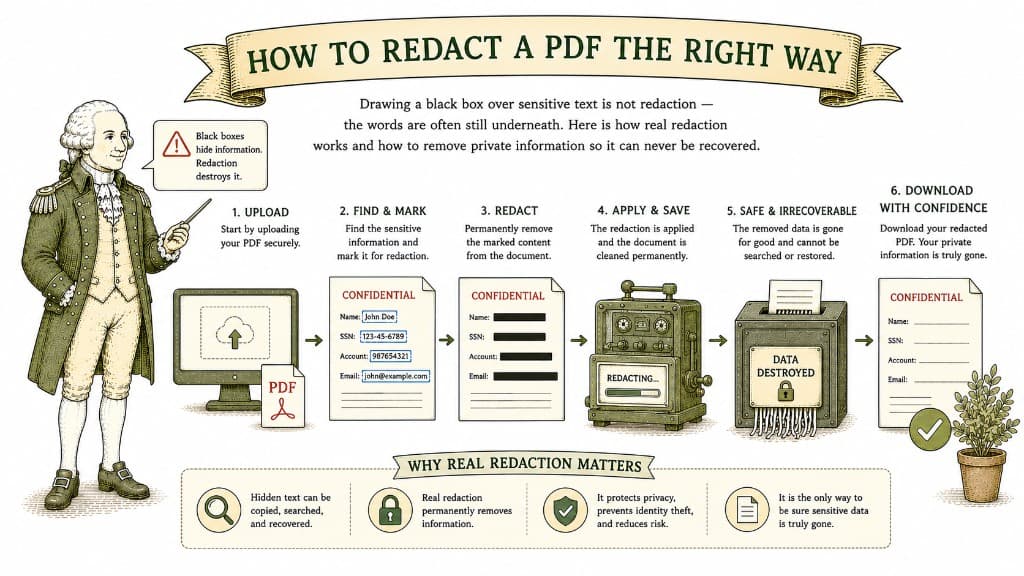
Drawing a black box over sensitive text is not redaction — the words are often still underneath. Here is how real redaction works and how to remove private information so it can never be recovered.
3 min read
