The print-sign-scan loop is the most wasteful thing people still do with documents. You print a clean digital file, scribble on it, then feed it through a scanner that makes it blurry and crooked. There is a faster way, and for most documents it is just as valid.
Signing a PDF on your computer or phone skips the printer entirely. You add your signature directly to the file, save it, and send it back — cleaner than the original and done in under a minute. The confusion is usually about whether that counts as a "real" signature. For the vast majority of everyday documents, it does.
There is the signature you can see — an image of your name, a typed font, or a mark you draw with your finger or mouse. And there is the cryptographic digital signature, which is invisible math attached to the file that proves who signed it and that nothing changed afterward.
Most documents people sign — permission slips, simple agreements, internal forms, delivery confirmations — only need the visible kind. A drawn or typed signature placed on the page is accepted in the overwhelming majority of business and personal situations, and electronic signatures are legally recognized for most contracts in the US and many other countries.
The cryptographic kind matters when you need proof that holds up to scrutiny: certain legal filings, regulated industries, or any document where someone might later claim it was altered. If a form specifically asks for a digital certificate, a drawn signature will not satisfy it.
You have three common ways to create the mark itself. You can draw it with a trackpad, mouse, or finger. You can type your name and let the tool render it in a handwriting-style font. Or you can sign a blank sheet of paper once, photograph it, and reuse that image as a clean transparent signature forever.
Once you have the mark, you place it on the signature line, size it to fit, and save. The result is a flat PDF with your signature baked in — no printer, no scanner, no fax.
After signing, consider flattening the document so the signature cannot be dragged off or edited by whoever receives it. Some people also lock the file with a password if it contains anything sensitive. Neither step is required, but both make a signed document harder to tamper with.
Drop your PDF in, add your signature, and pay a dollar once it is ready. You get the signed file back to download — no printer, no scanner, and no watermark.

Typing your name in a signature field and applying a digital signature look almost identical on the page. Here is what separates them, when the simple version is fine, and when it is not.
3 min read
If you own the document and know the password, removing it is straightforward. Here is how it works, and where the honest limits are.
3 min read
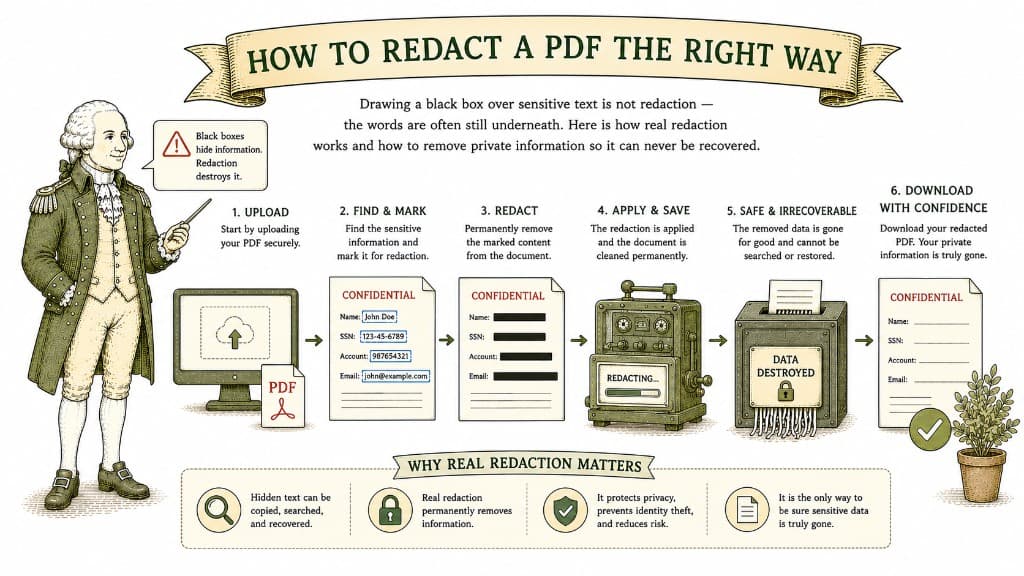
Drawing a black box over sensitive text is not redaction — the words are often still underneath. Here is how real redaction works and how to remove private information so it can never be recovered.
3 min read
