A password that protected a file last month can become the thing slowing you down every time you open it today. If you own the document and know the password, removing it is straightforward. Here is how it works, and where the honest limits are.
There are two kinds of PDF password, and they do different jobs. An open password (sometimes called a user password) blocks the file from opening at all without it. A permissions password (owner password) lets anyone open the file but restricts what they can do — printing, copying text, or editing. Removing either requires that you can already open the file, which is the whole point: this is for documents you own, not a way around someone else's protection.
If you can open the file, you can usually strip the password by opening it, supplying the password once, and saving a new copy without protection. The new file behaves like any normal PDF. This is the common case — you set a password to email something securely, the recipient has it now, and the copy you are keeping no longer needs the friction.
If you have genuinely lost the password, that is a different and much harder situation, by design. Strong PDF encryption exists precisely so that a file cannot be opened without the key. A reputable tool will not break encryption it cannot legitimately unlock, and any service promising to crack a strong password instantly on a file you cannot open is one to be wary of — both technically and ethically.
For your own files, the real lesson is prevention: keep passwords in a password manager rather than your memory, so "I forgot it" never becomes "I lost the document."
Removing a password removes a barrier — it does not change the contents, and it does not "clean" the file of anything else. If the document also contains sensitive information you want gone, that is redaction, which is a separate job. And if you are removing a password only to send the file onward, ask whether the recipient should have an unprotected copy at all, or whether you should set a new password they control.
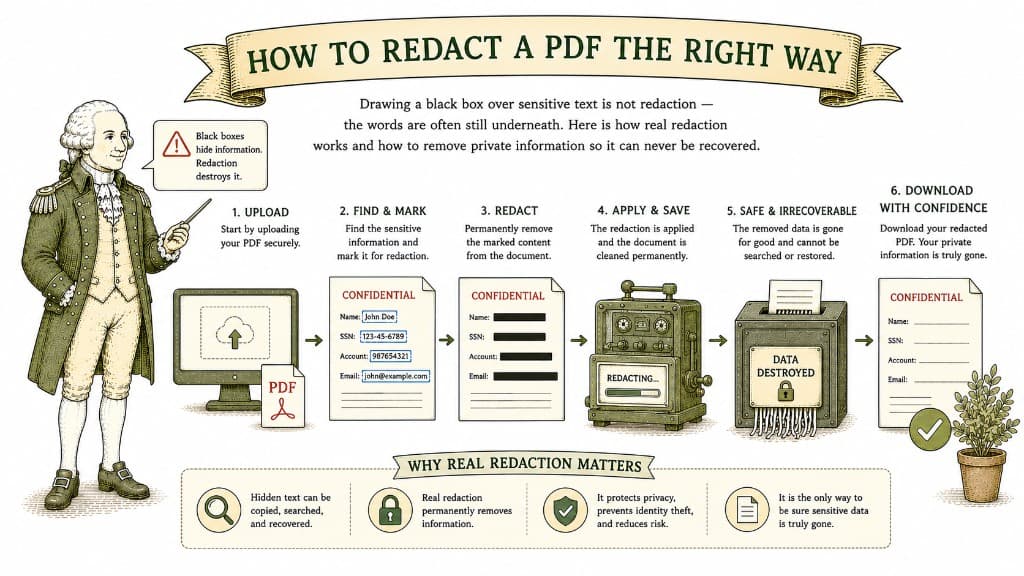
Drawing a black box over sensitive text is not redaction — the words are often still underneath. Here is how real redaction works and how to remove private information so it can never be recovered.
3 min read

Uploading a sensitive document to a website you found ten minutes ago is a real act of trust. Here is how to judge whether a tool deserves it before you hand over anything important.
3 min read
A password is the simplest layer of protection you can add to a document. Here is what a PDF password actually does, what it does not do, and how to use it without locking yourself out.
3 min read
