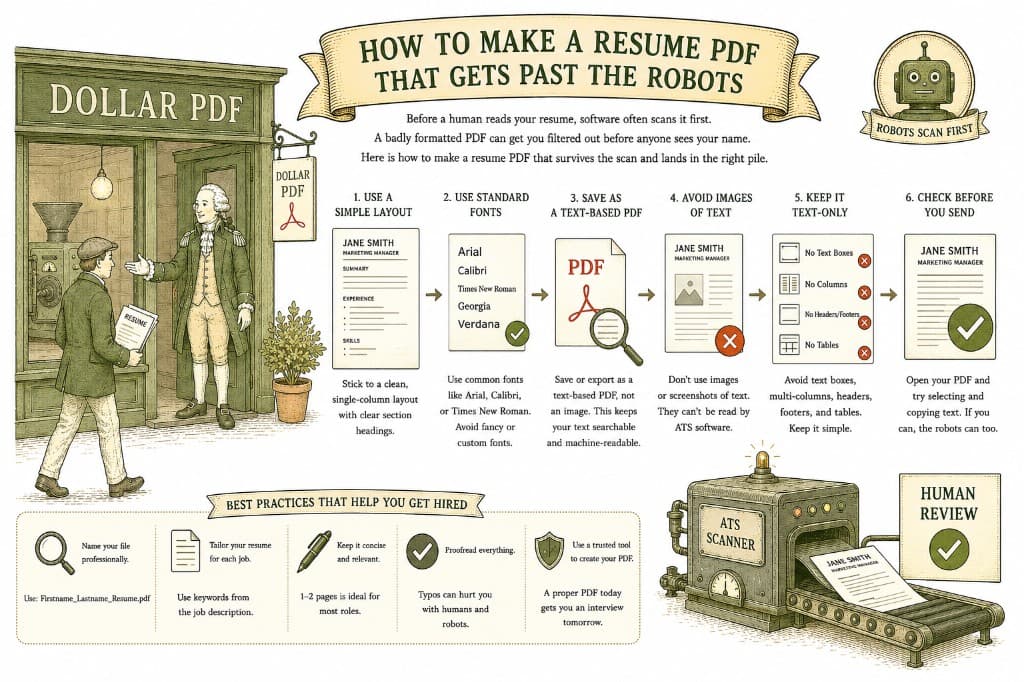
You can write a brilliant resume and still get rejected without a single human ever reading it. At many companies, the first reader is not a person but software that scans your resume, pulls out the details, and decides whether you match. If your PDF is built in a way that software cannot read, you lose before you start.
This screening software — an Applicant Tracking System, or ATS — opens your resume and tries to parse it: find your name, your job titles, your dates, your skills. It does this by reading the text layer of your file. If the text is clean and well structured, parsing works and your details land in the right boxes. If your resume is really a picture, or laid out in a way the software cannot follow, parsing fails and you may be filtered out.
As Adobe notes in its guidance on building resumes, a clean, properly structured PDF is what keeps your information readable to both software and people.
Your resume has two audiences: the software that screens it and the person who reads it next. Aim for both.
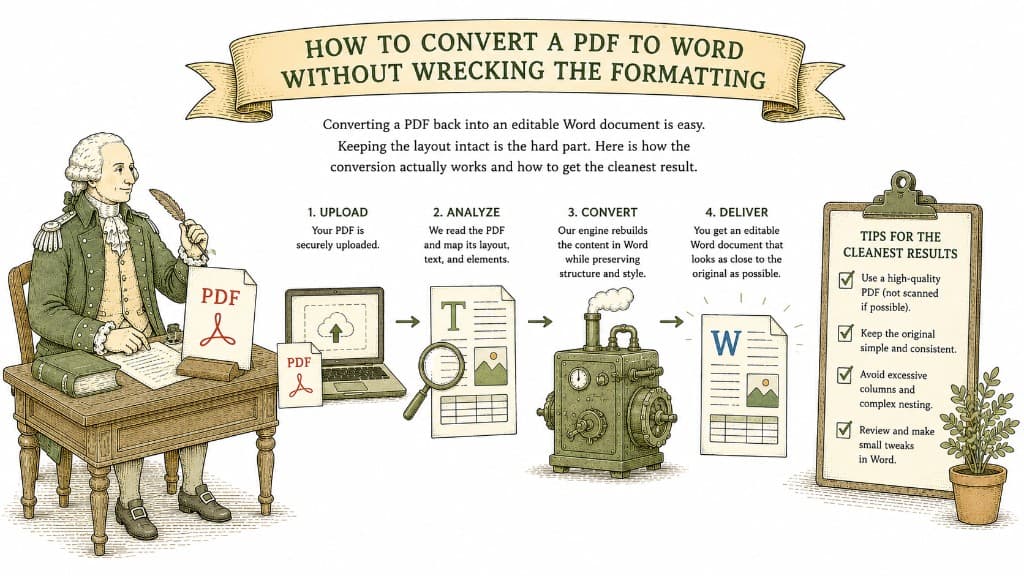
Converting a PDF back into an editable Word document is easy. Keeping the layout intact is the hard part. Here is how the conversion actually works and how to get the cleanest result.
3 min read

A PDF table looks like a spreadsheet but behaves like a picture. Here is what a good PDF-to-Excel conversion actually does, and how to get clean columns instead of a mess you have to retype.
3 min read
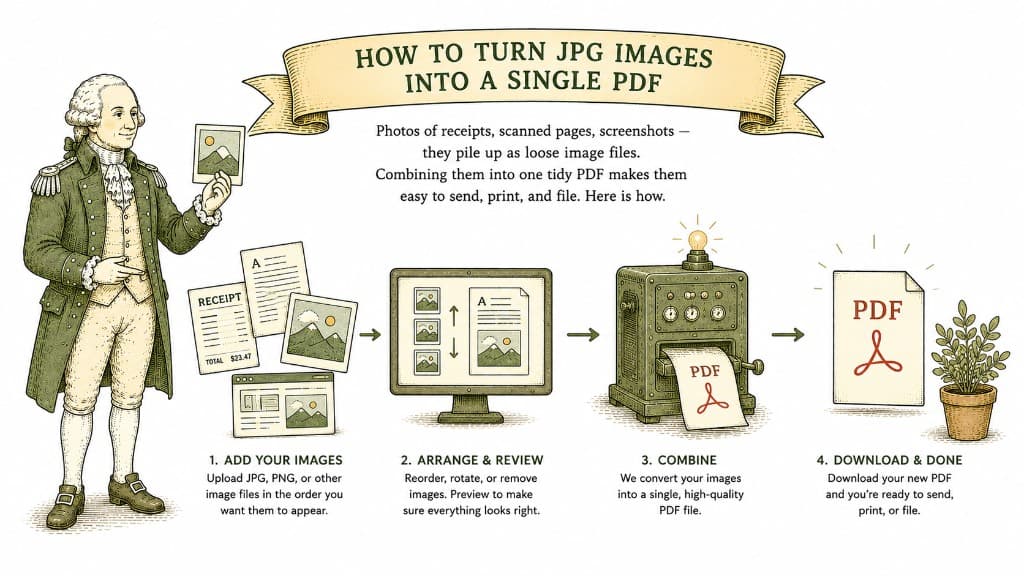
Photos of receipts, scanned pages, screenshots — they pile up as loose image files. Combining them into one tidy PDF makes them easy to send, print, and file. Here is how.
3 min read