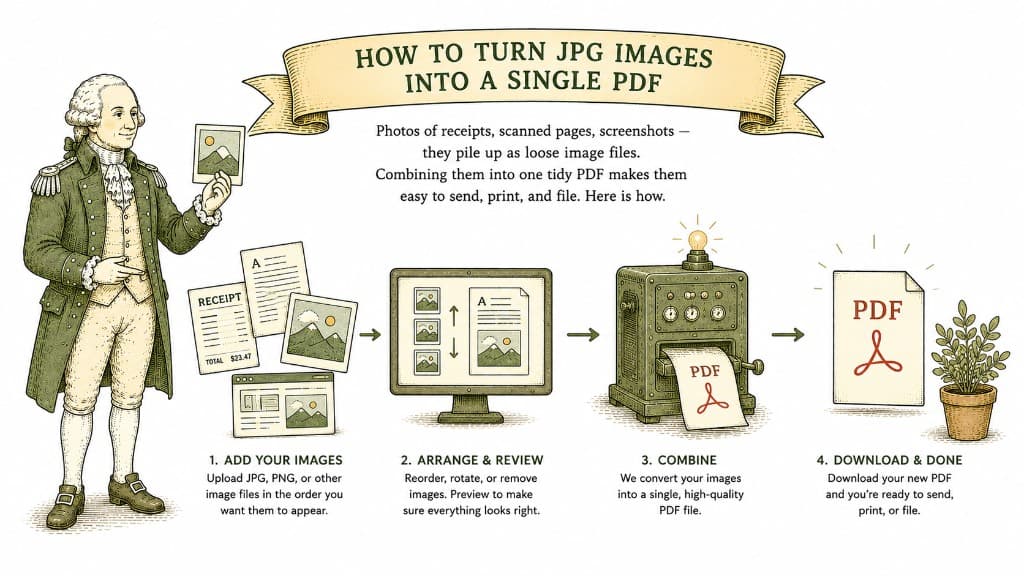
A stack of loose photos is annoying to deal with. You cannot email twelve receipts as twelve separate attachments without irritating everyone. You cannot print them in order without fiddling. The fix is to gather them into a single PDF — one file, in the right order, ready to send or archive.
An image is one picture. A PDF can hold dozens of pages in a fixed order, opens the same way on every device, and prints predictably. When you turn a set of JPGs into a PDF, you trade a messy folder for one clean document that behaves itself.
This is the standard move for expense reports, scanned paperwork, photo-based application forms, and anything where the order of the pages matters.
A few minutes of preparation makes the result much better:
High-resolution phone photos are large. Combine ten of them and the resulting PDF can be surprisingly heavy. If you plan to email it, you may want to compress the PDF afterward so it fits comfortably under attachment limits. Quality stays fine for reading and printing; the file just gets lighter.
Drop your JPG or PNG images in, arrange them in the order you want, and convert. You pay a dollar once the file is ready, and you get one combined PDF back — every image, in order, no watermark across your pages.
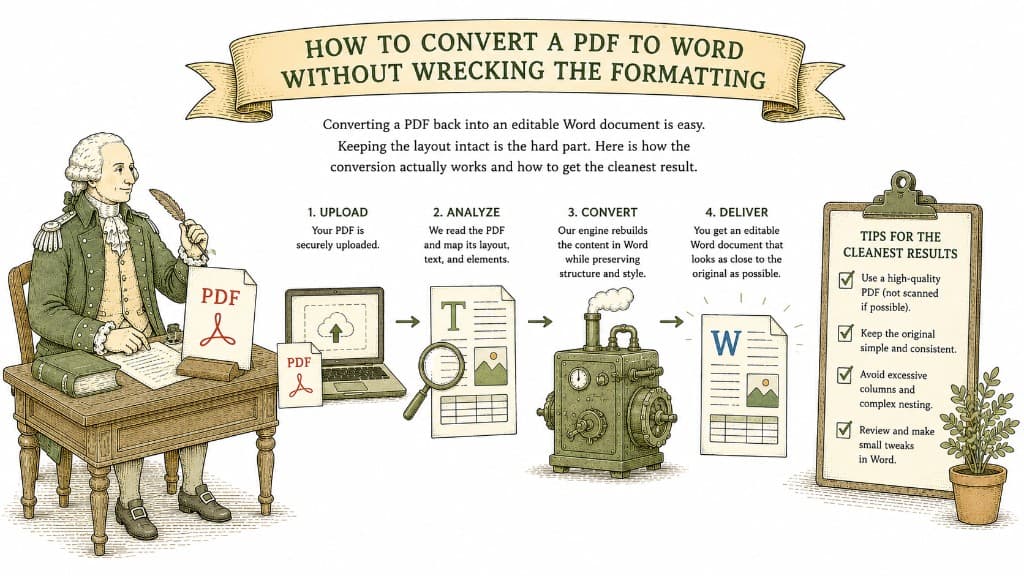
Converting a PDF back into an editable Word document is easy. Keeping the layout intact is the hard part. Here is how the conversion actually works and how to get the cleanest result.
3 min read

A PDF table looks like a spreadsheet but behaves like a picture. Here is what a good PDF-to-Excel conversion actually does, and how to get clean columns instead of a mess you have to retype.
3 min read
The text comes through but the layout scatters. Here is what the converter is actually wrestling with, and why some files come out clean while others come out chaos.
3 min read