Most email services bounce attachments over a certain size, and a single image-heavy PDF blows past that limit easily. You need it smaller, but you do not want photos that look like they were faxed. Here is how to hit an email-friendly size while keeping the file looking good.
The size limit on email is real and lower than people expect — many services cap attachments at a modest size, and even when the file technically sends, an oversized attachment is a nuisance for the recipient. The good news is that most large PDFs are large for one reason, images, and that is also the easiest thing to shrink without anyone noticing.
In nearly every oversized PDF, images are the weight. A document of text is tiny; a few high-resolution photos can be larger than the entire rest of the file. The problem is usually that the images are stored at far higher quality than the situation needs — print-grade resolution in a file that is only going to be read on a screen. That mismatch is pure, recoverable bloat.
Here is the thing that makes this painless. A screen displays far less detail than a print-resolution image contains. When you compress images down to screen quality, you are throwing away detail the recipient's screen could never have shown them in the first place. The file gets dramatically smaller and looks identical on screen, because the eye cannot miss what the screen could not display. This is why compressing for email so often feels like a free win.
Compress to a "screen" or "email" quality level rather than the most aggressive setting available. Moderate compression on an image-heavy file usually clears the email limit comfortably while keeping photos clean. The most aggressive setting is for extreme cases and does start to show, so reach for it only if moderate compression leaves you still over the limit.
Always keep the original. Compression that discards image detail is permanent — you cannot recover the full-quality version from the compressed one — so the small file is the copy you email, not the copy you keep.
If a file is still too big after sensible compression, it is almost certainly built from scanned image pages, where every page is a full photo. In that case, consider whether you can split the document and send it in parts, or share it through a link instead of an attachment. And next time, scanning at a more moderate resolution prevents the problem at the source.
Drop your PDF in, run the compress job, and pay a dollar once it is ready. You get the smaller file back to download — small enough to email, with no watermark, and your original kept untouched.
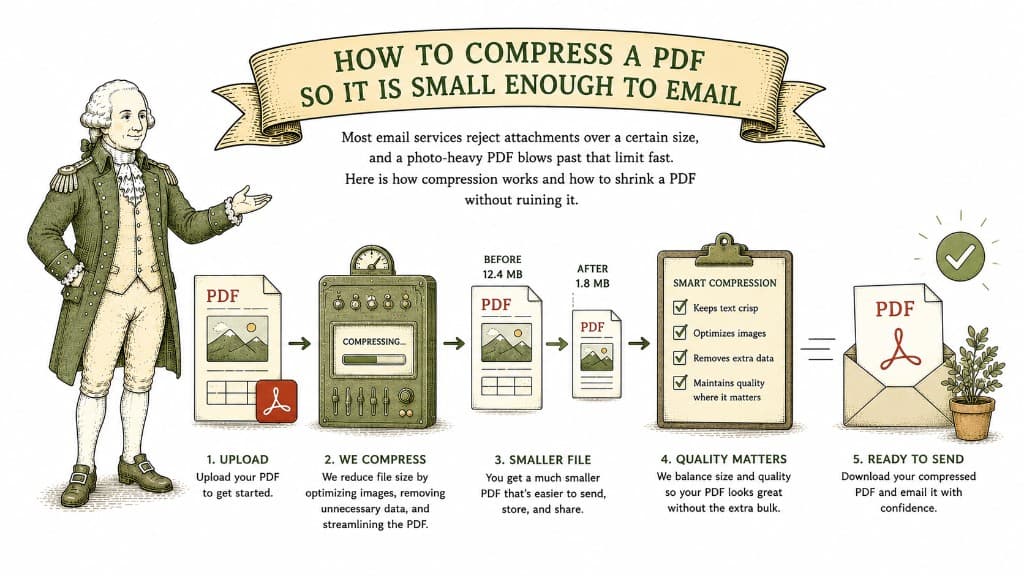
Most email services reject attachments over a certain size, and a photo-heavy PDF blows past that limit fast. Here is how compression works and how to shrink a PDF without ruining it.
3 min read

A ten-page text document might be 80 kilobytes; a ten-page brochure might be 80 megabytes. Here is what actually fills up a PDF and how to bring a bloated one back down.
3 min read
One can shrink a file with no visible loss; the other trades away detail you cannot get back. Knowing which one a tool is doing tells you what you are about to lose.
3 min read
