Every Mac comes with Preview, a quietly capable PDF tool that handles more than most people realize — for free, already installed. But it has real limits, and knowing exactly where they are saves you from both paying for things you do not need and fighting Preview to do something it was never built for. Here is an honest map.
Preview covers the everyday middle of PDF work surprisingly well, falls short on a handful of common tasks, and simply does not attempt the advanced end. The skill is matching the job to the tool instead of defaulting to one for everything.
For routine tasks, Preview is often all you need. It views and prints PDFs cleanly. It lets you rearrange, rotate, and delete pages by dragging thumbnails. It combines files by dropping one PDF's pages into another. It adds a signature you can create with the trackpad or camera and reuse. It marks up documents with text, shapes, and highlights, and it fills in many basic forms. For a large share of what people open a PDF tool to do, Preview quietly handles it with nothing to install and nothing to pay.
The gaps show up on a few specific tasks. Preview has no real OCR, so it cannot turn a scanned document into searchable, editable text — a scan stays a picture. Its editing of existing text is essentially nonexistent; you can annotate on top of a PDF but not change the words already in it. Its compression is crude, often either barely shrinking a file or degrading it, without the fine control a dedicated tool offers. And it cannot reliably convert a PDF into a clean Word or Excel file.
At the advanced end, Preview does not try. Building complex fillable forms, applying certificate-based digital signatures, true redaction that actually removes underlying text, batch-processing many files, and preflight checks for professional printing are all outside its scope. These are exactly the jobs a dedicated tool exists for.
Reach for Preview first for the everyday middle — viewing, printing, reorganizing pages, simple signatures, light markup, basic forms. Reach for a dedicated tool when you need OCR, real text editing, reliable conversion to Word or Excel, controlled compression, proper redaction, or advanced forms and signatures. Most people need Preview most of the time and a dedicated tool occasionally — which is an argument for paying per job rather than subscribing to power you would rarely touch.

Some document habits quietly eat hours across a year — not because the tasks are hard, but because people do them the slow way. Here are the five biggest time-wasters and the faster approach to each.
3 min read
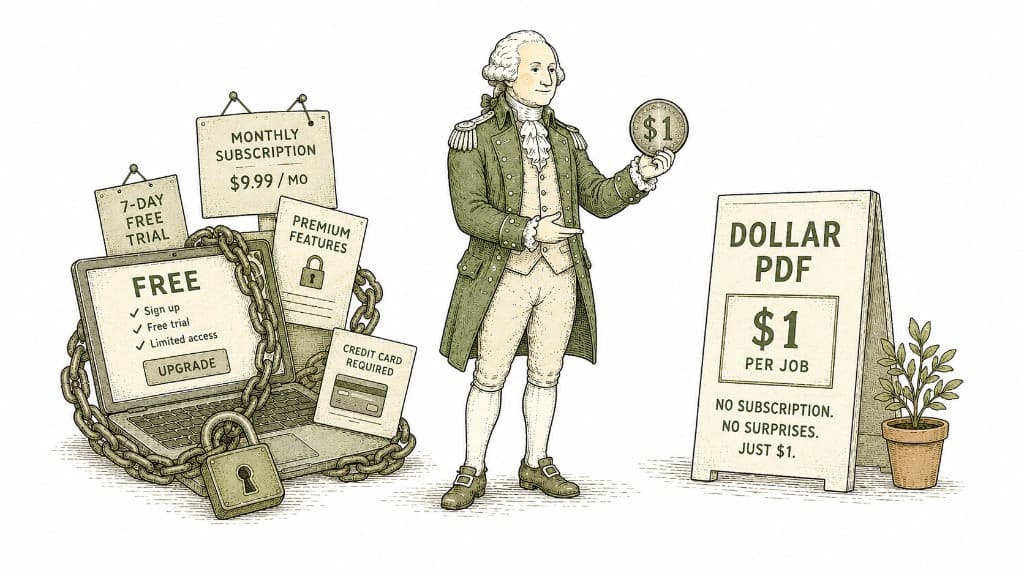
Most PDF tools are free until they are not — then they want your email, a free trial, and a monthly subscription. Dollar PDF charges one dollar per job and nothing else. Here is the thinking behind that price.
3 min read
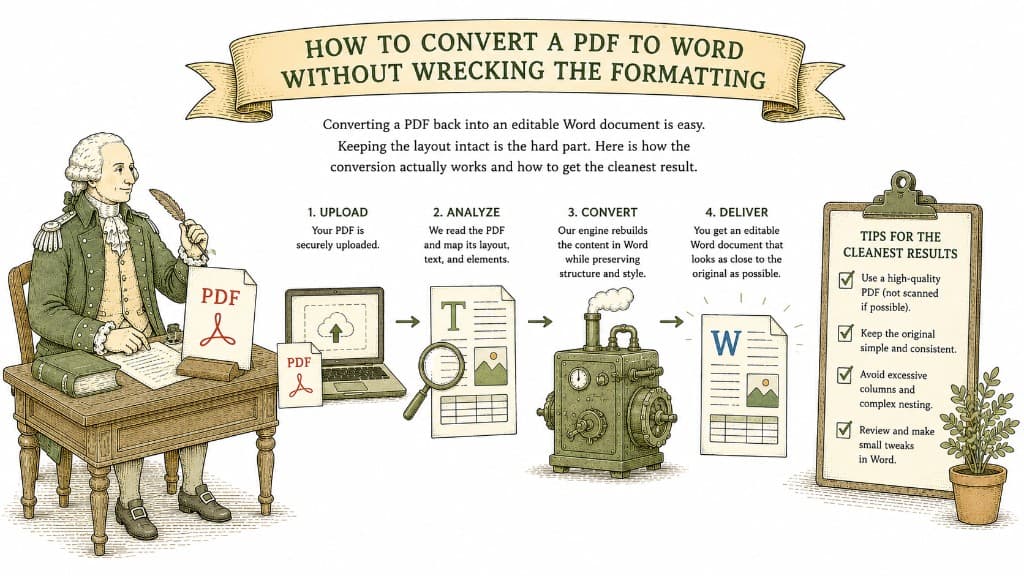
Converting a PDF back into an editable Word document is easy. Keeping the layout intact is the hard part. Here is how the conversion actually works and how to get the cleanest result.
3 min read
