Adobe Acrobat is the most capable PDF tool there is. It is also one of the most expensive, billed as a subscription that quietly renews whether you used it that month or not. Here is an honest breakdown of who genuinely needs it and who is paying for power they will never touch.
Acrobat earns its price for a specific kind of user and overshoots badly for everyone else. The question is not whether it is good — it is — but whether your actual PDF habits justify a recurring annual bill, or whether you are buying a workshop full of tools to hang one picture.
If PDFs are central to your job, Acrobat pays for itself. People who build complex fillable forms, manage document workflows across a team, handle certificate-based digital signatures, or need advanced editing and preflight checks every week are exactly who the tool is for. At that level of use, the subscription is a small fraction of the time it saves, and the depth is hard to match elsewhere.
The same goes for anyone in a regulated field where Acrobat's compliance features and audit trails are effectively required. If your industry expects it, the cost is the price of admission, not a luxury.
The mismatch is the occasional user. If you convert a file now and then, merge a couple of documents a month, sign the odd form, and compress something before emailing it, you are using a sliver of what you pay for. A recurring annual subscription for a handful of one-off tasks a year is poor value, especially when the subscription keeps charging during the months you never open it.
This is the trap of any subscription: the cost is constant but your use is not. Acrobat does not get cheaper in a quiet month — you pay the same whether you ran two hundred jobs or zero.
Count your real usage honestly. If you touch PDFs daily and use the advanced features, buy Acrobat without hesitation — it is the right tool and the price is justified. If your needs are occasional and basic, a per-job or pay-as-you-go approach almost always costs less over a year, because you only pay when you actually have a file in front of you. The goal is to match how you pay to how you use, instead of renting a power tool by the year to use it twice.
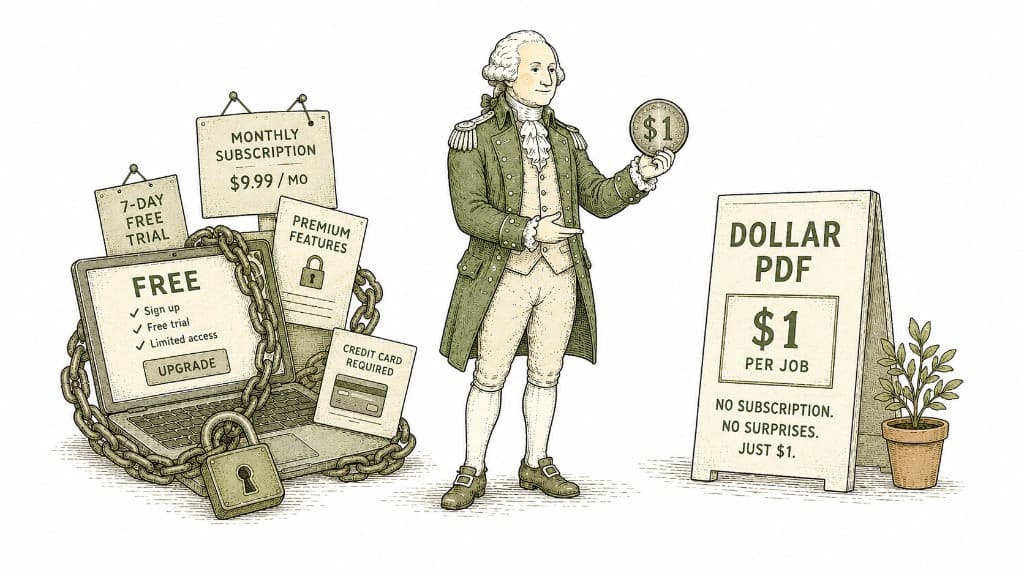
Most PDF tools are free until they are not — then they want your email, a free trial, and a monthly subscription. Dollar PDF charges one dollar per job and nothing else. Here is the thinking behind that price.
3 min read

Preview handles more than most people realize — for free, already installed. But it has real limits. Here is an honest map of where they are.
3 min read
Some document habits quietly eat hours across a year — not because the tasks are hard, but because people do them the slow way. Here are the five biggest time-wasters and the faster approach to each.
3 min read
